Getting Beyond the Lecture in Online Synchronous Classes

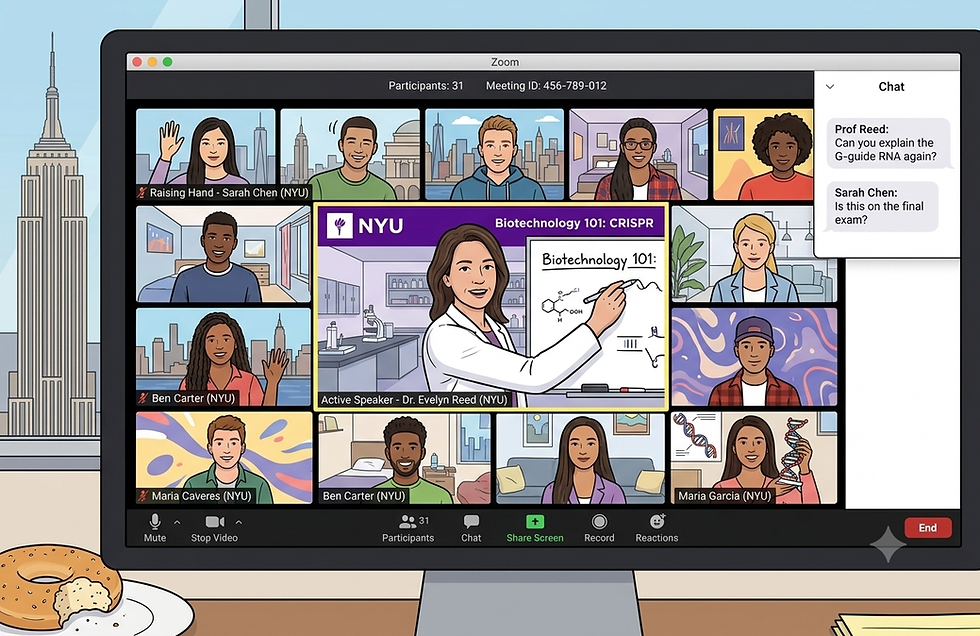
Teaching in a new modality (e.g., online asynchronous, HyFlex) requires rethinking how to plan and deliver your class. But there’s good news! Online in Zoom or live in-person, the fundamentals of student-centered teaching are the same. We still want to center learner voices, draw on their experiences and opinions, and facilitate interaction and connection among learners. The challenge online is figuring how to leverage technologies to best support students’ education.
Best Practices for Teaching Online Synchronous
Teaching via Zoom presents many of the same challenges as the physical classroom (e.g., distraction, isolation, disengagement). A few teaching practices can help mitigate these challenges:
Chunk content: break up content into blocks like mini-lectures, and assign things that can be read or watched as homework.
Balance synch and asynch work: Include some camera-off tasks, such as thinking and writing time to gather thoughts before discussions or group work.
Buffer time: From muting and unmuting to coming back from breakout rooms, things can take a bit longer online. Budget a few extra minutes for transitions and posting information in the chat window for sharing (e.g. post links on Brightspace and share in the Zoom chat).
Connections: Make sure students have multiple chances to connect and collaborate meaningfully. Small groups, pair work and opportunities for student-student and teacher-student discussion and interaction are key.
Breaks: We all need a reset. A 5-10 minute break every hour to reset and relax our visual and mental focus can keep students engaged.
A Sample Lesson Plan
Start your class with a warm up activity. Draw on student opinions, experiences and voices to activate schema and prior knowledge and center their thinking as key to the class content. After lecture or learning content, draw student voices back in through discussion and group work.
Changing groups, interaction modes and activity types can help make a class feel dynamic and engaging. A typical lesson plan might look something this:
Teaching content
Small group discussion
Whole class discussion
Break
Warm up
Teaching Content
Case study group activity
Whole class discussion and wrap up
What Can Work Better Online
The online Zoom format offers some distinct advantages. When thinking how to adapt course content to the online classroom, it’s worth considering what advantages are available and how and when to lean into them. A few advantages are:
Low barrier participation: Features like Zoom polls, chat, and collaborative Google Docs lower the social friction for participation, ensuring "loud voices" don't dominate
Instant temperature checks: Real-time tools (Zoom reactions, polls, quizzes) provide immediate feedback on student understanding
Collaboration and discussion: Breakout rooms remove the physical "friction" of moving furniture. They allow for seamless transitions into group work and easier, easier and more private monitoring or check ins for the instructor.
Persistent classroom: Because resources are digital and sessions can be recorded, the "lecture" becomes a searchable, shareable archive that students can review at their own pace.
Creating Online Activities
When setting up an online activity,a few protocols can set everyone up for success. To begin with, consider how students will participate and what can be set up ahead of time. That might mean pre-building a Zoom poll, a whiteboard or Google Doc, so you’re not stuck juggling these tools in the class session.
Plan out how you will stage your activity, including giving instructions, sharing relevant links or docs, checking progress and wrapping up. Have all your relevant slides, docs, links and webpages ready to go and already open and always set up redundancies. Pre-share your decks so students can access them and follow along separately if they prefer. If you’re going to share directions on your screen, also put them on your Brightspace course site and drop them in the Zoom chat. This allows students to easily reference and find anything vital and also acts as a backup if there’s a tech glitch.
Setting Expectations
Communicating clear expectations BEFORE a class session is essential for a productive online environment. Be explicit with your students regarding:
Participation: Define what "active" looks like. Will you use cold calling, discussions, and/or collaborative docs? What are students expected to do to participate?
Camera Policy: When is "Camera On" required (e.g., small groups) vs. "Camera Optional" (e.g., freewriting or brainstorming)?
Preparation: A quiet, focused environment is essential for participation.
Mic Etiquette: Establish a default. (Pro-tip: Encourage students to stay unmuted in Breakout Rooms for natural flow).
Ensure these norms are visible in your Syllabus, Brightspace, and addressed early in your class. Consider even refreshing key norms and expectations at the beginning of each class or activity.


Comments